

Performance and Tri-Band Technology
The router utilizes three separate Wi-Fi bands to balance network demand: one 2.4 GHz band for everyday browsing (up to 600 Mbps) and two separate 5 GHz bands for heavy-duty tasks like 4K streaming and online gaming (up to 1300 Mbps each). It features “Smart Connect,” which automatically assigns each connected device to the best possible channel to optimize speed and balance bandwidth.
The router utilizes three separate Wi-Fi bands to balance network demand: one 2.4 GHz band for everyday browsing (up to 600 Mbps) and two separate 5 GHz bands for heavy-duty tasks like 4K streaming and online gaming (up to 1300 Mbps each). It features “Smart Connect,” which automatically assigns each connected device to the best possible channel to optimize speed and balance bandwidth.
Hardware and Processing Power
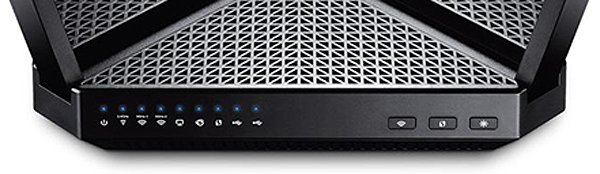
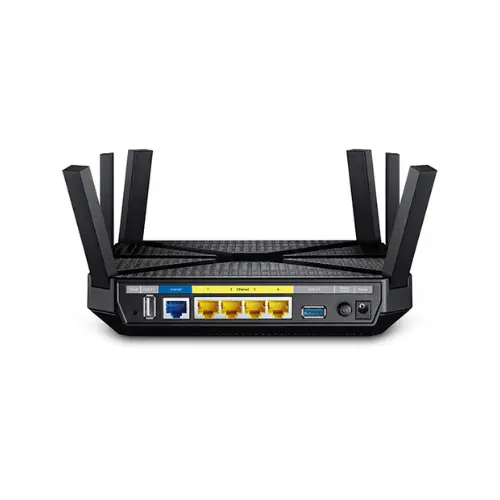
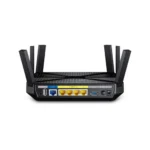
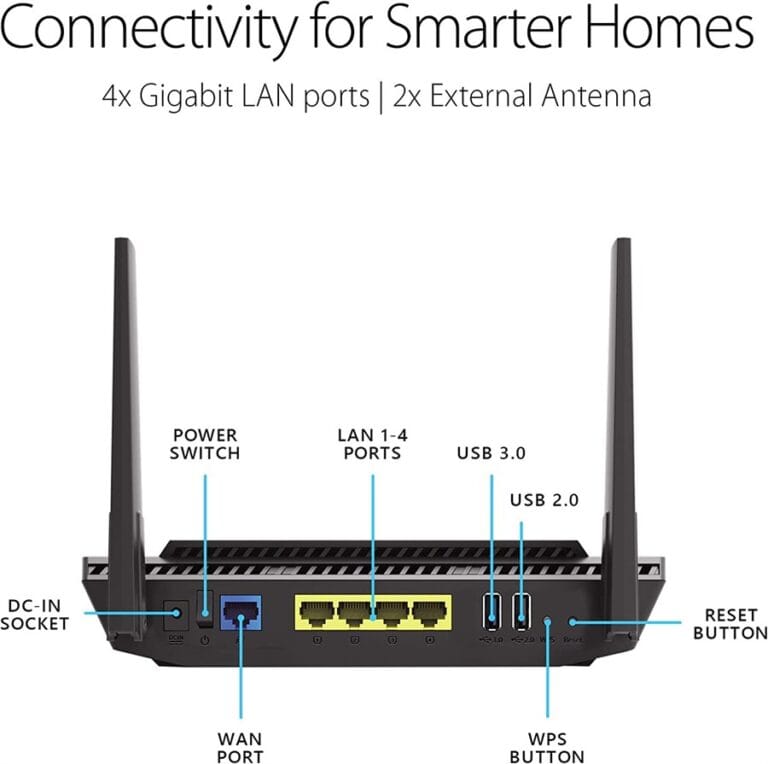
Powered by a robust 1 GHz dual-core CPU and three co-processors, the Archer C3200 smoothly manages simultaneous high-demand connections without interruption. For physical connections, it offers 4 Gigabit LAN ports for your PC or console and 1 Gigabit WAN port for your modem. It also includes USB 3.0 and USB 2.0 ports, making it easy to share files or a printer across your local network.
Powered by a robust 1 GHz dual-core CPU and three co-processors, the Archer C3200 smoothly manages simultaneous high-demand connections without interruption. For physical connections, it offers 4 Gigabit LAN ports for your PC or console and 1 Gigabit WAN port for your modem. It also includes USB 3.0 and USB 2.0 ports, making it easy to share files or a printer across your local network.
Coverage and Design
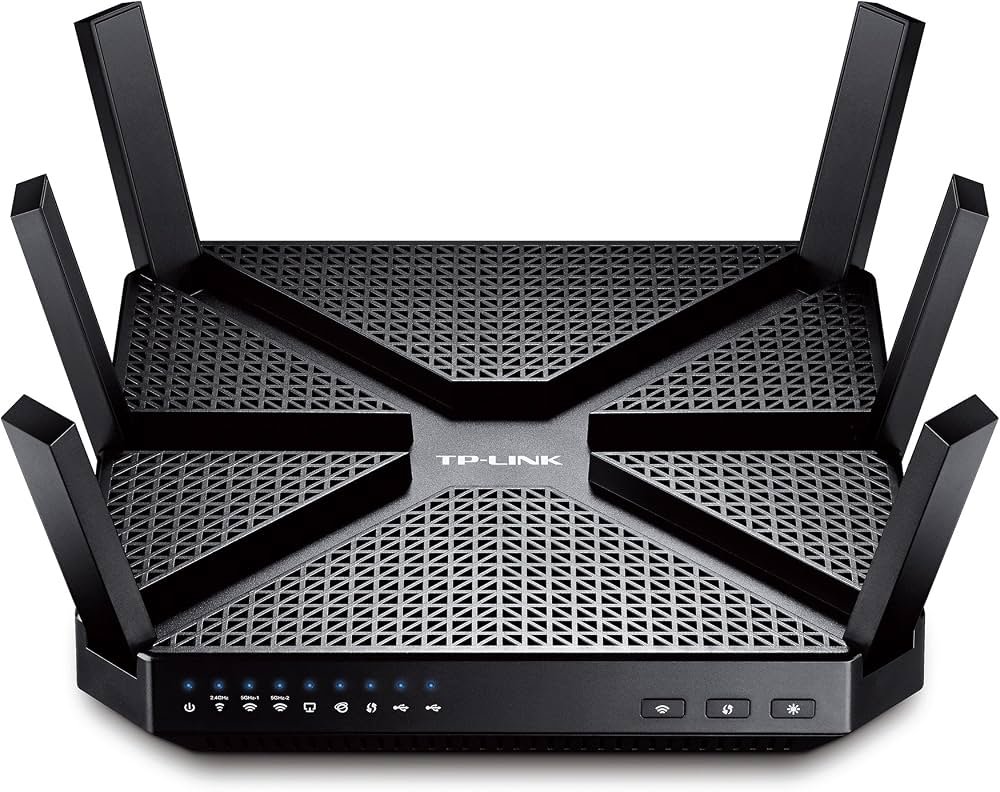
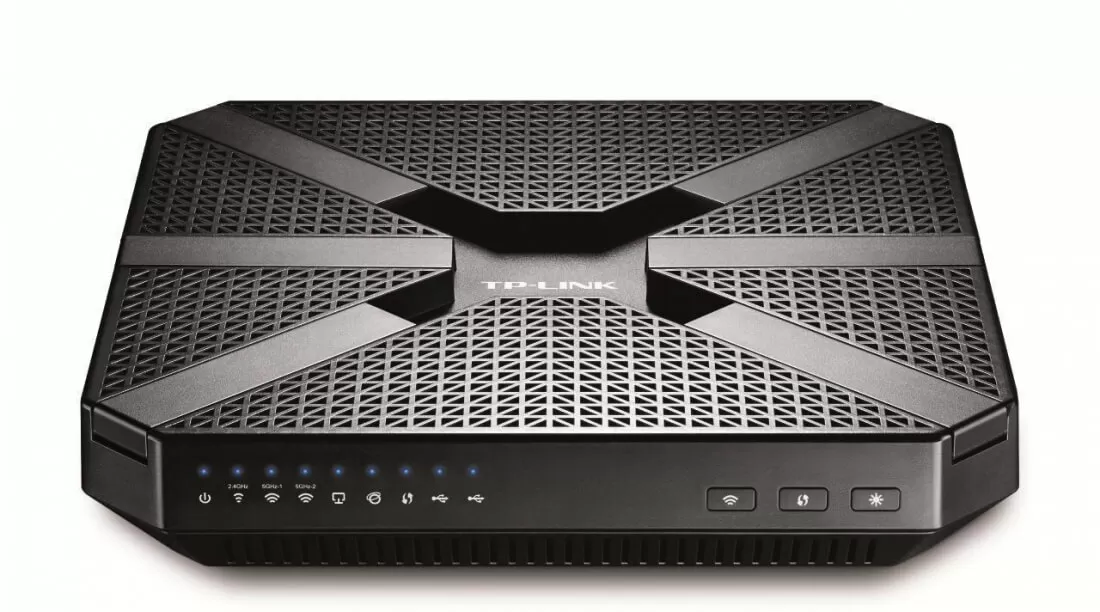
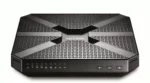
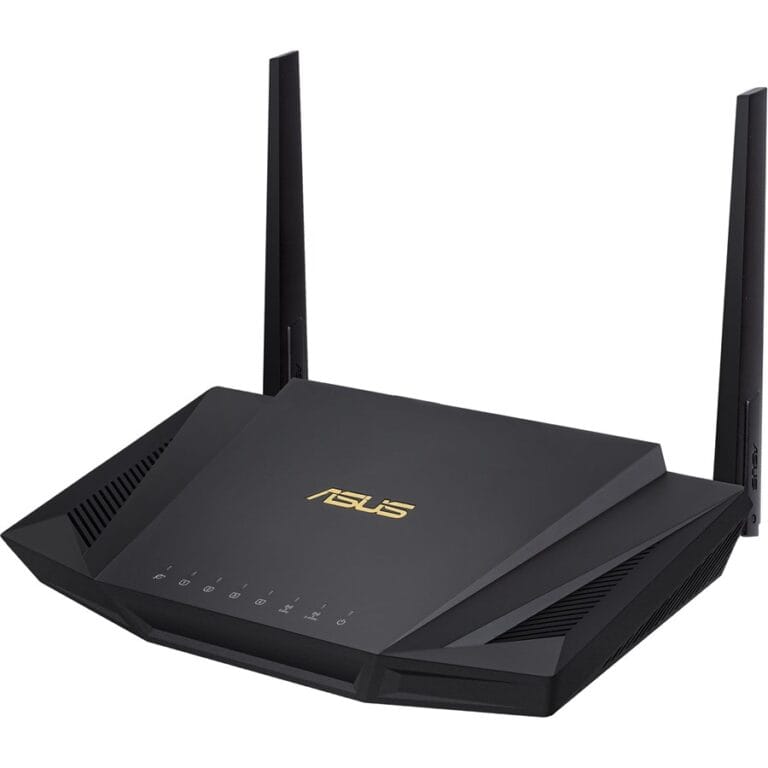
The C3200 is equipped with six high-performance external antennas that fold flush into the router’s triangular grille when not in use. These antennas provide maximum coverage area and signal stability, further bolstered by beamforming technology which directs wireless signals straight toward connected devices.
The C3200 is equipped with six high-performance external antennas that fold flush into the router’s triangular grille when not in use. These antennas provide maximum coverage area and signal stability, further bolstered by beamforming technology which directs wireless signals straight toward connected devices.
Setup and Management
Managing your network is straightforward using the web interface or the TP-Link Tether app on your mobile device. The app allows you to easily set up guest networks, implement parental controls, and check which devices are currently connected to your network.
Managing your network is straightforward using the web interface or the TP-Link Tether app on your mobile device. The app allows you to easily set up guest networks, implement parental controls, and check which devices are currently connected to your network.


Reviews
Clear filtersThere are no reviews yet.